
Your cart is currently empty!

If you download a lot of PDFs, you’ve probably done this routine more times than you can count: download the file, open Google Drive, then upload it. It works, but it’s slow and unnecessary. The good news is that Chrome can save PDFs straight to Google Drive with just a small setup. Once it’s done,
Unlike Windows, Linux does not show an “Activate” watermark by default. However, many users want a similar on-screen reminder or notification to indicate system status, licensing messages, or custom alerts on the desktop. In this guide, you’ll learn how to enable and activate a watermark-style notification on a Linux desktop using simple and reliable tools.
Gentoo Linux has a reputation for being difficult. In reality, it is just very manual. That is exactly why installing it in VirtualBox is a great idea. You get a safe environment to learn how Gentoo works without risking your main system. In this guide, I’ll walk you through installing Gentoo Linux in VirtualBox and
Some days call for bright screens and clean whites. Other days feel better wrapped in dark mode with softer contrast and less glare. If you’re manually switching Windows 11 between light and dark mode every time your mood changes, you’re doing extra work you don’t need to do. Microsoft PowerToys can handle this for you.
Outlook stores a local copy of your mailbox in an OST file. It works fine as long as your Outlook profile and mail server are healthy, but if something breaks—like a corrupt profile, a lost account, or a system crash—you can’t open that OST file directly. That’s when converting the OST to a PST file
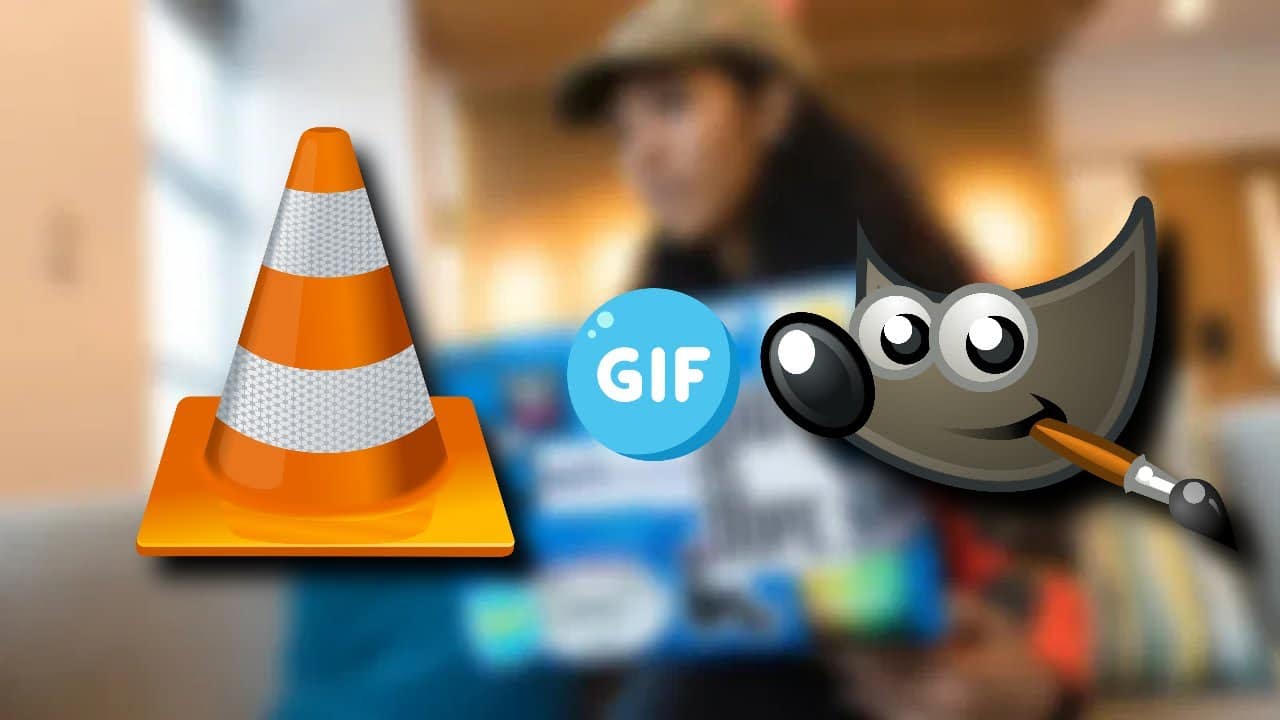
If you want to turn a short video moment into a GIF, you don’t need special paid software. VLC and GIMP, two free tools, can do the job well. VLC lets you record the exact clip you want, and GIMP can convert that clip into a looping GIF. Below is a simple walk-through. What You
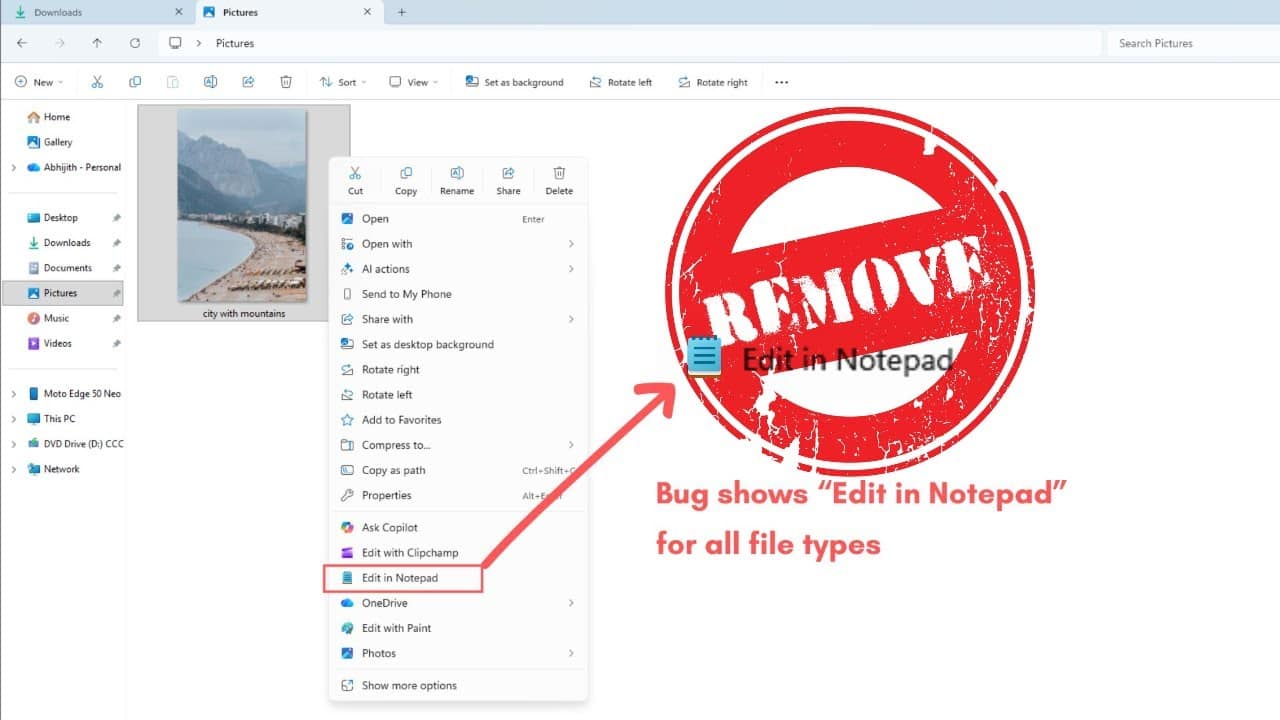
If you installed a third party editor or tweaked your Windows setup, you may have noticed a new option in your right click menu called “Edit in Notepad.” It can be useful, but it can also clutter the context menu if you never use it. The good news is that removing it is simple once
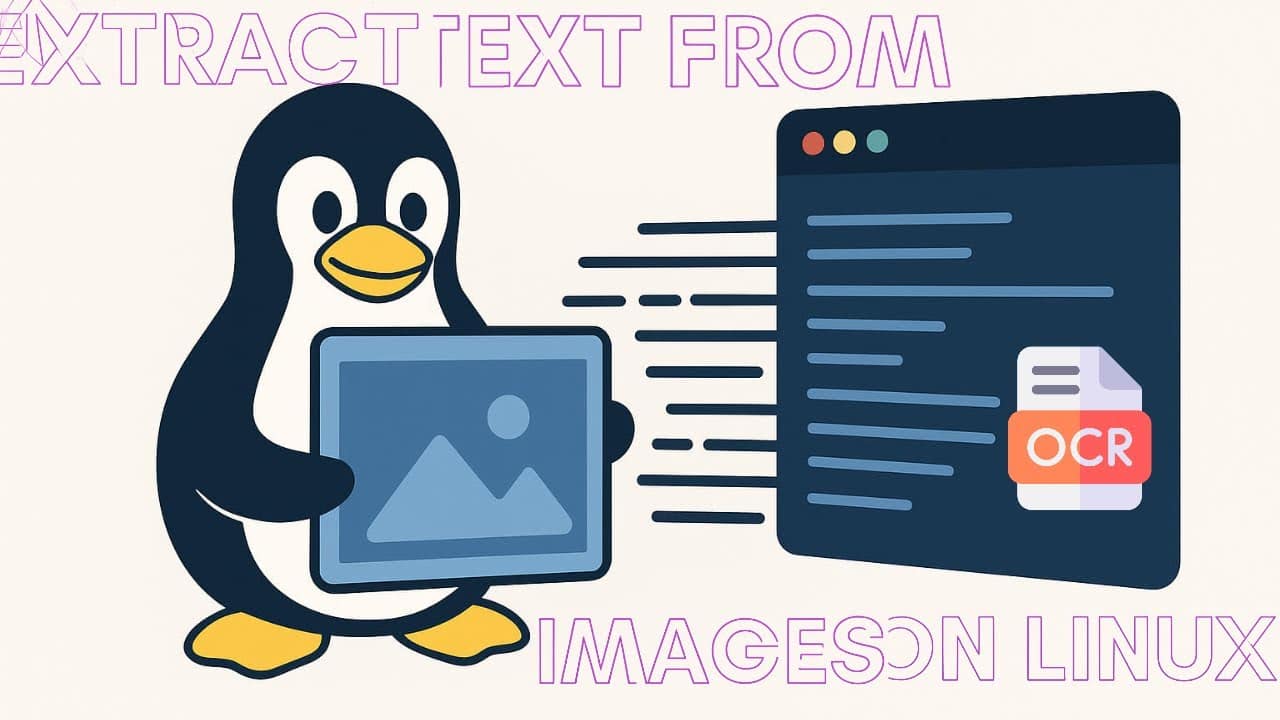
Pulling text out of an image feels like a small superpower. You grab a screenshot, run a simple command, and suddenly the words inside it become searchable and editable. On Linux, this is easy thanks to a few reliable tools that handle OCR (optical character recognition) fast and well. Below is a straightforward guide on
Google Play Books is a solid way to keep your ebook collection synced across devices—but sometimes it refuses to upload an EPUB and gets stuck on “Processing…” forever. No error message, no hint, nothing. The good news: you can usually fix this yourself in a few minutes using Calibre, the free and powerful ebook management
Perfect — here’s your polished, WordPress-ready blog post with your requested download links worked in. It’s formatted cleanly so you can paste it directly into your post editor (Classic or Block). 🎃 Here’s How You Can Customize Your Linux Desktop for Halloween (Dot Files Included) If you’ve ever thought “Why not let my Linux desktop


![Here’s How You Can Customize Linux Desktop for Halloween [Dot Files Included]](https://mlizivvpjxbj.i.optimole.com/cb:3E4p.555/w:1280/h:720/q:mauto/ig:avif/https://computereverywr.com/wp-content/uploads/2025/11/maxresdefault.jpg)